Online STP Viewer
Free, Fast 3D STP/STEP Model Viewer in Your Browser
📂
or
Drag and drop 3D models here
STP Model Viewing Example
🚀 Launch Demo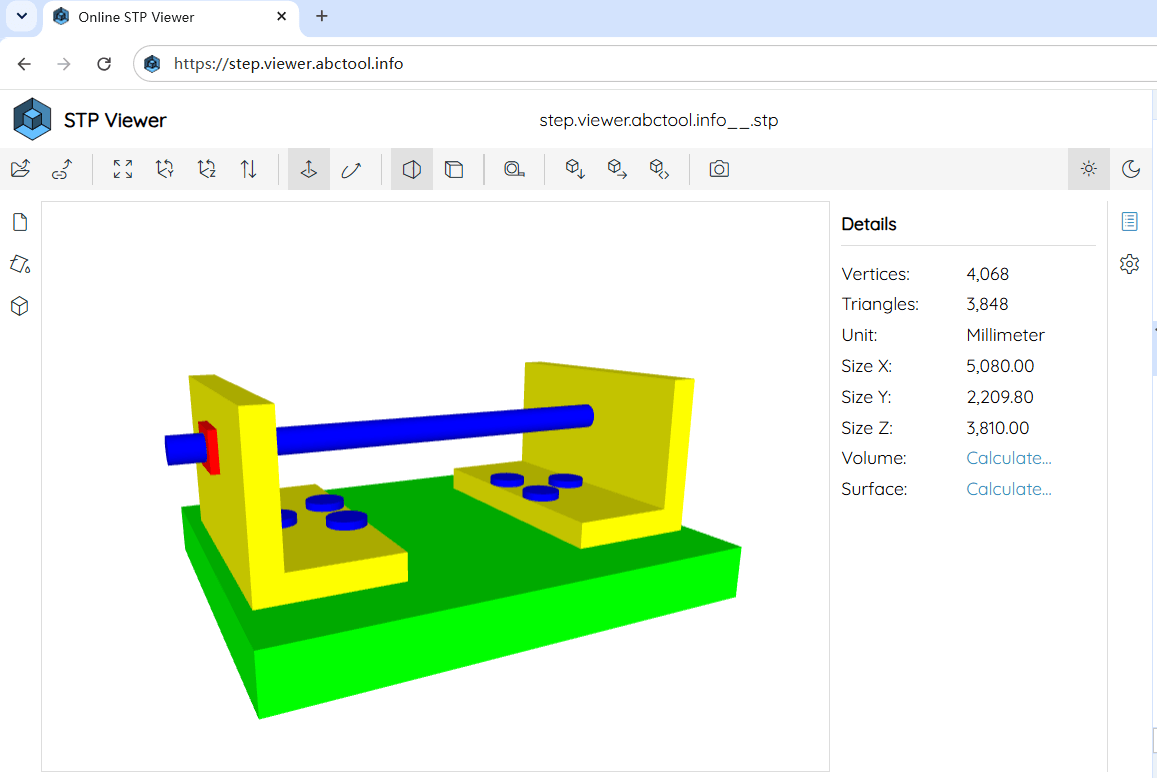
How to View STP Files Online?
1
Select or Drag & Drop
Click the Open button to select your .stp or .step file, or drag and drop it anywhere onto the canvas.
2
Interactive Inspection
Rotate 360°, pan, zoom, inspect mesh polygons, wireframe outlines, and measure dimensions.
3
Customize & Export
Adjust background color, edge crease angles, surface shading tones, or convert and export formats.
Rich Interactive & Viewport Control Capabilities
Online STP Viewer delivers a complete, professional suite of interactive 3D tools directly in your browser. Effortlessly control camera angles, slice geometries, measure dimensions, and customize visual appearances:
🕹️ Camera Navigation & View Presets
Full 360° Orbit rotation, smooth panning, and stepless zoom. Snap instantly to Front, Back, Top, Bottom, Left, Right, or Isometric views, or click Auto-Fit to center the model.
✂️ Multi-Axis Clipping Planes
Slice through your 3D models interactively along the X, Y, and Z axes to inspect internal cavities, wall thicknesses, and hidden structural details.
📐 3D Measuring & Geometry Analysis
Measure exact distances between vertices, calculate 3D bounding box dimensions (X, Y, Z), surface area, volume, and triangle polygon counts.
🕸️ Wireframe & Edge Thresholds
Overlay polygon wireframes, customize edge outline colors, adjust feature crease angle thresholds, and inspect face orientations and normals.
💥 Model Explosion & Component View
Smoothly explode multi-body mesh assemblies using interactive sliders to analyze internal component placement and part relationships.
🎨 Custom Shading, Lighting & Dark Mode
Customize viewport background colors, apply custom surface fill tones, adjust ambient lighting & directional shadows, or switch between Light and Dark themes.
What is an STP / STEP File Format?
📄 ISO 10303 Standard (.stp / .step)
STP (or STEP) stands for Standard for the Exchange of Product Model Data (ISO 10303). It is an open, vendor-neutral 3D CAD file format designed to exchange 3D solid geometries and complex assembly structures with high precision.
🛠️ Primary Uses & Industrial Applications
STP files are widely used across mechanical engineering, automotive manufacturing, aerospace, and industrial design for CAD data exchange, CNC machining (CAM), mold tooling, structural FEA analysis, and 3D printing.
💻 Popular 3D CAD Software Supported
STP models are created and exported by major 3D CAD platforms including SolidWorks, CATIA, Autodesk Inventor, Fusion 360, Siemens NX, PTC Creo, FreeCAD, and Rhino 3D.
🌐 Vendor-Neutral & Assembly Structure
Unlike basic polygon mesh formats (like STL or OBJ), STEP files preserve exact B-Rep solid math, multi-body assembly part hierarchies, and precise physical dimensions without mesh quality degradation.
Key Highlights of STP Viewer
⚡ 100% Client-Side Privacy
All 3D mesh parsing and WebGL rendering take place locally in your browser memory. Your 3D models are never uploaded to any remote server.
📤 Export & Format Conversion
Easily convert and export your loaded STP 3D models into other popular 3D formats (such as OBJ, PLY, OFF) or save modified mesh geometries.
🔗 Direct Share & HTML Embedding
Generate direct shareable URLs for remote models or create clean HTML <iframe> embed codes to display 3D models on your own site.
💻 Cross-Platform & OS Compatibility
Fully supported across all major operating systems including Windows, macOS, Linux, ChromeOS, Android, iOS, and iPadOS via WebGL-enabled modern browsers.
📂 Drag & Drop & Batch Loading
Seamlessly drag and drop single .stp / .step files, entire folders, or compressed .zip archives directly into the viewer window.
📱 Mobile & Touch Optimized
Optimized for touchscreens on iPhone, iPad, and Android phones & tablets. Seamlessly open 3D .stp / .step files with intuitive single-finger orbit rotation and pinch-to-zoom touch gestures in Mobile Safari, Chrome, and Firefox without installing any App.